TracQi OBD2

Not a code reader.
The next generation.

Most OBD2 apps read a code and stop. TracQi keeps a running history of your car, explains what it sees in plain language, and helps answer the question behind every change: did it make the car perform better?
TracQi OBD2 CoDriver insight
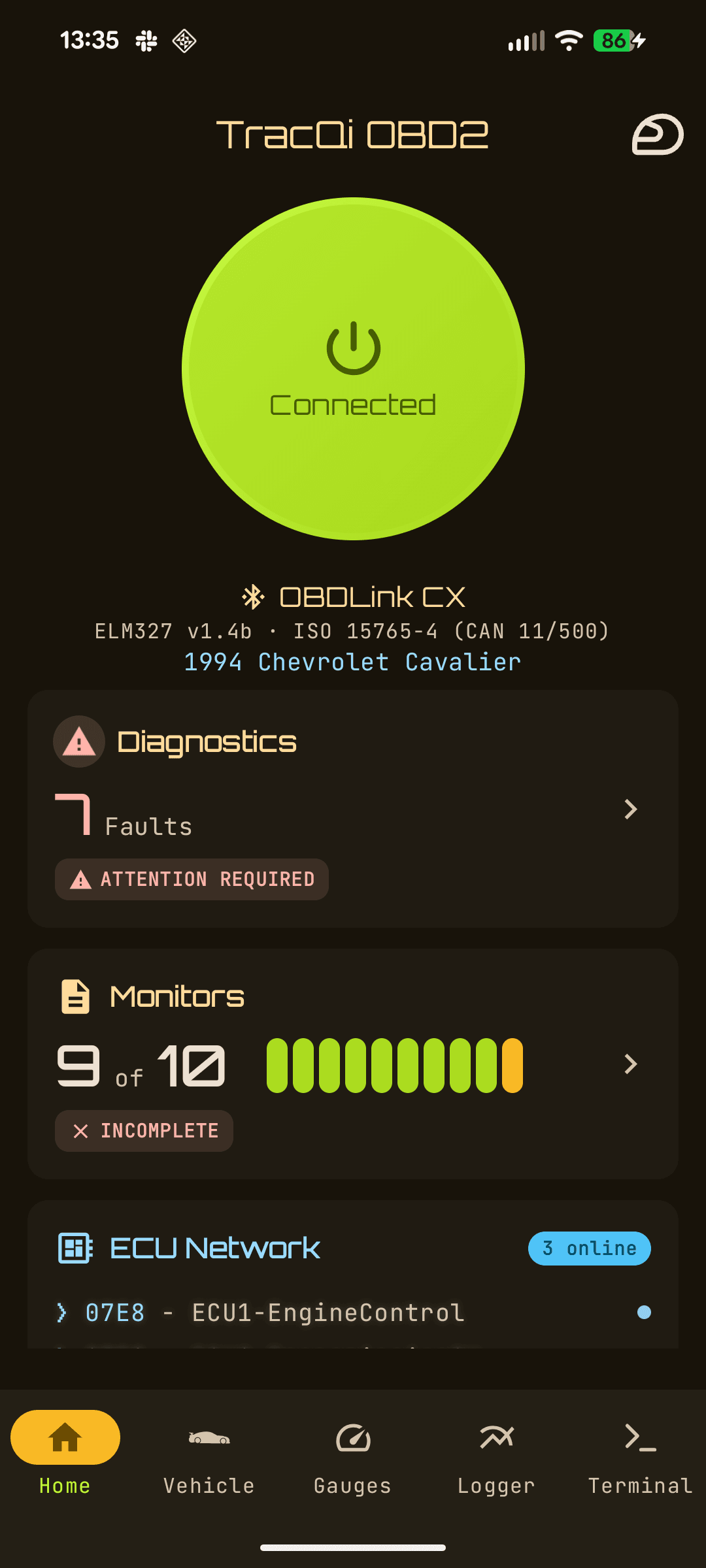
TracQi OBD2 home dashboard
Watch it in Action
The TracQi loop

Find it. Change it. Prove it.

Because TracQi corrects data to SAE standard conditions and tracks density altitude, it can tell the difference between a real gain and a lucky cold morning.

01
Find the limit
  • Where is the tune holding power back?
  • Can you run more boost or timing?
  • Is a mechanical part the real bottleneck?
02
Make the change
  • Intake, exhaust, downpipe, tune...
  • Add more power when it is cold?
  • Back off safely when it is hot?
03
Prove it worked
  • Did it actually add power, weather-corrected?
  • Or did a cold day just flatter the numbers?
  • Did efficiency or diagnostics regress?
TracQi OBD2 CoDriver insight
TracQi CoDriver - only on TracQi

Insights that tell you why.

CoDriver reads your car's own data and explains what's happening, why it matters, and what to do next for every facet of your vehicle. No one else does this. Here is what it looks like:

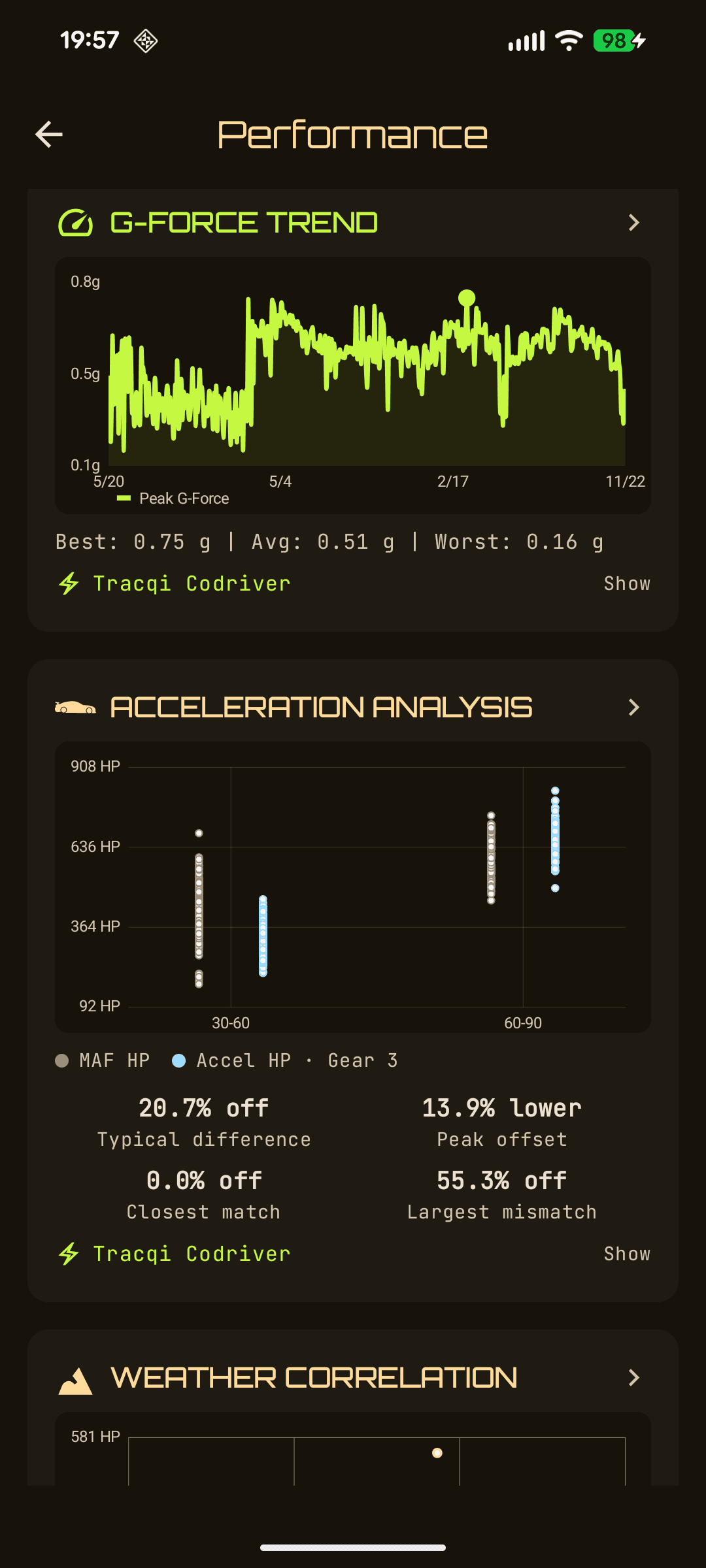
ObservationAcceleration-derived HP runs 20.7% below the MAF estimate in 3rd.
InterpretationA consistent airflow-vs-acceleration gap points to drivetrain loss or traction slip, not an engine fault.
Next stepRepeat a clean, high-traction pull. If the gap holds, inspect clutch and driveline before chasing engine mods.
Diagnostics
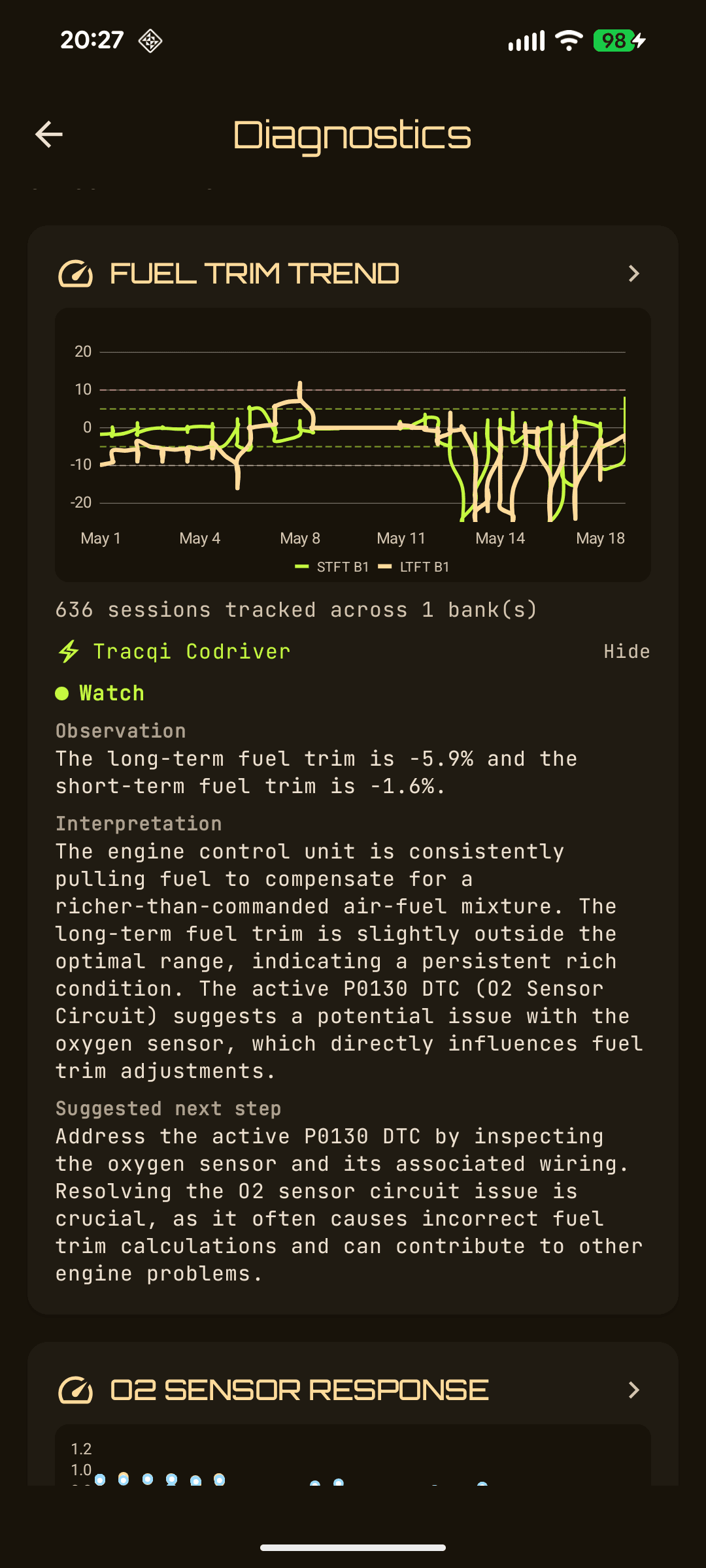
Health summary, diagnostic trouble code (DTC) analysis, fuel trim, oxygen sensor (O2), volumetric efficiency (VE)
Performance
Power and torque, g-force, acceleration, airflow, weather
Efficiency
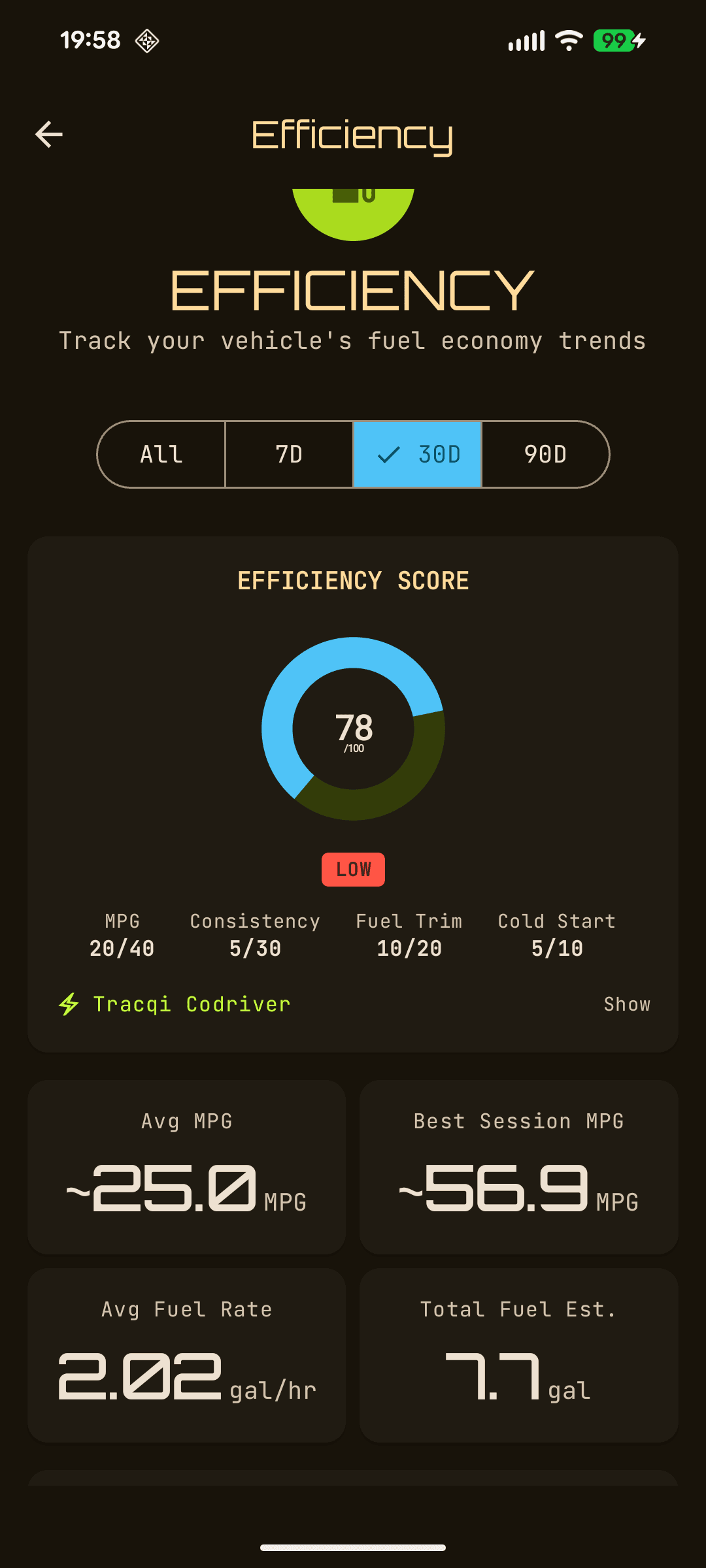
Score, MPG trend, cold-start, fuel trim, aggression
Historical snapshots - only on TracQi

Your car, on a timeline.

As you drive, TracQi automatically captures Performance, Diagnostics, and Efficiency snapshots from the same stream, building a history you can trend, compare, and use to prove a change before-and-after.
TracQi Performance snapshot
Performance
Captured around wide-open-throttle pulls - power, torque, acceleration force, and weather-corrected output.
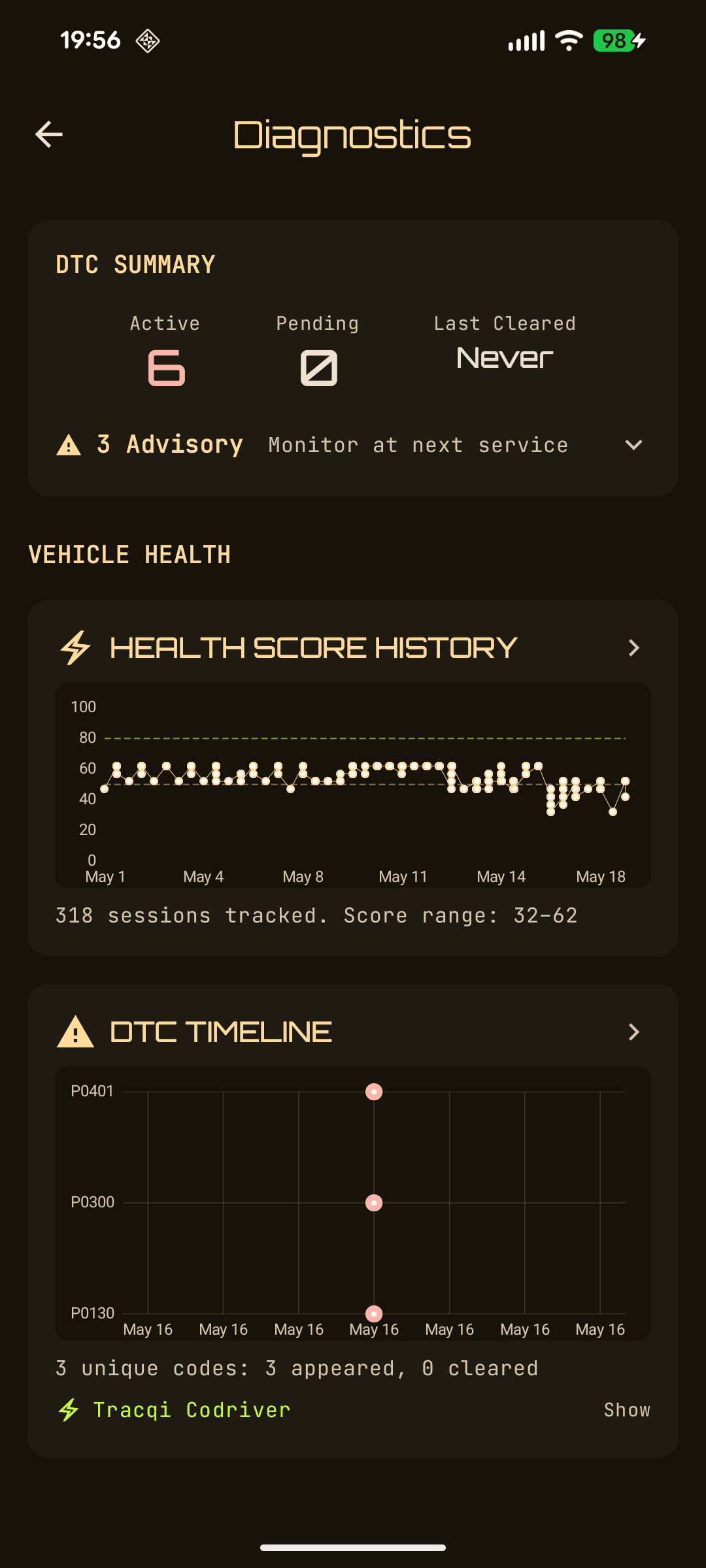
TracQi Diagnostics snapshot
Diagnostics
Idle and health oriented - DTCs, fuel trim, readiness, and health score.
TracQi Efficiency snapshot
Efficiency
End-of-drive context - MPG, cold-start penalty, aggression, and fuel trim.
The hidden variable

The biggest factor in your power?
The weather.

Air density, driven by temperature, pressure, and altitude, is the single largest influence on what power your engine makes. A modern electronic control unit (ECU) targets consistent output across all conditions, so it quietly works the engine harder in hot, thin air and backs off in cold, dense air. Miss this, and you'll chase power in all the wrong places.

Cold and dense
High density altitude headroom
Air densityHigh - more O2
ECU effortRelaxed
HeadroomPower left on the table
ECU target output
Same target, very different effort. The headroom only unlocks with a tune, not bolt-ons alone.
Hot and thin
Low density, high stress
Air densityLow - less O2
ECU effortAggressive
HeadroomAt the ragged edge

This is why a stack of mechanical mods can make zero extra power on OEM tuning. The ECU just trims back to its target. TracQi shows you where the actual tune and mechanical limits are, so the next dollar you spend actually moves the needle.

Catalog and control

A scan tool for power users.

Under the friendly dashboards is a serious diagnostic engine, with the catalog depth, custom parameter support, and raw access that enthusiasts and tuners actually need.
215
J1979 / OBD-II parameter IDs (PIDs)
bundled standard parameters
203
Mode 22 enhanced PIDs
plus your own custom definitions
2,269
Diagnostic trouble code definitions
with severity and explanations
01-0A + 22
Diagnostic modes
the full mandated set plus Mode 22
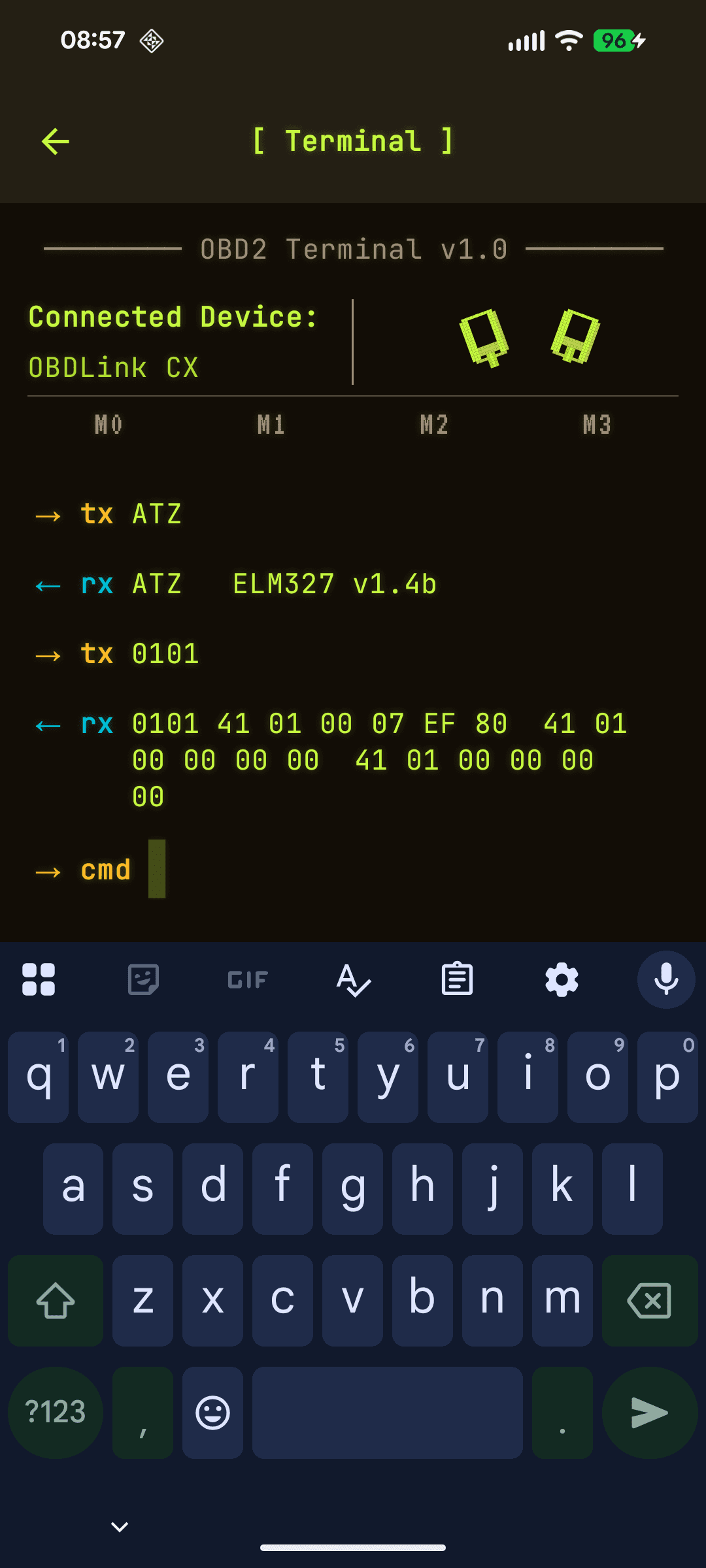
Built-in terminal
TracQi OBD2 terminal
Custom Mode 22 parameters
Define, import, and sync your own manufacturer-enhanced parameters.
Raw OBD2 terminal
Send raw adapter AT commands and OBD commands with command memory and a full transcript, then return to normal operation.
Read multiple controllers at once
Responses stay tied to the controller that sent them, and engine-only targeting cuts wait time when you only need powertrain data.
Adaptive high-rate logging
Live Hz readout, multi-PID batching, and weather plus motion channels in every log.
Stop guessing. Start proving.

Build a complete picture of your car on the first drive, then make every modification earn its place.